V380 Security Camera App: Manage IP, Wireless & 4G Cameras Remotely

Call Us:+86-18620508952

V380 - Comprehensive App for Camera Management and Remote Surveillance

V380 - Comprehensive App for Camera Management and Remote Surveillance

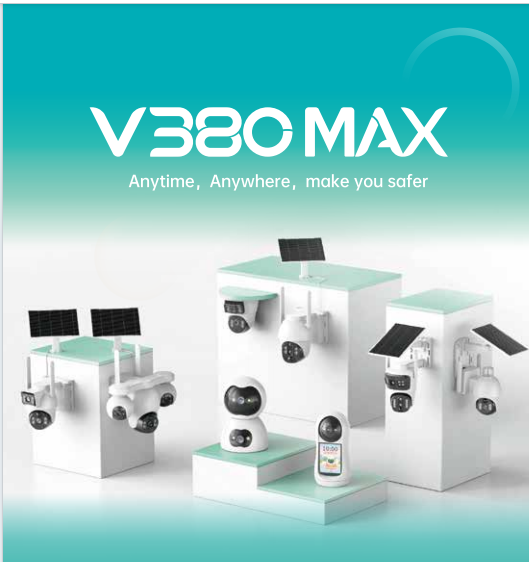
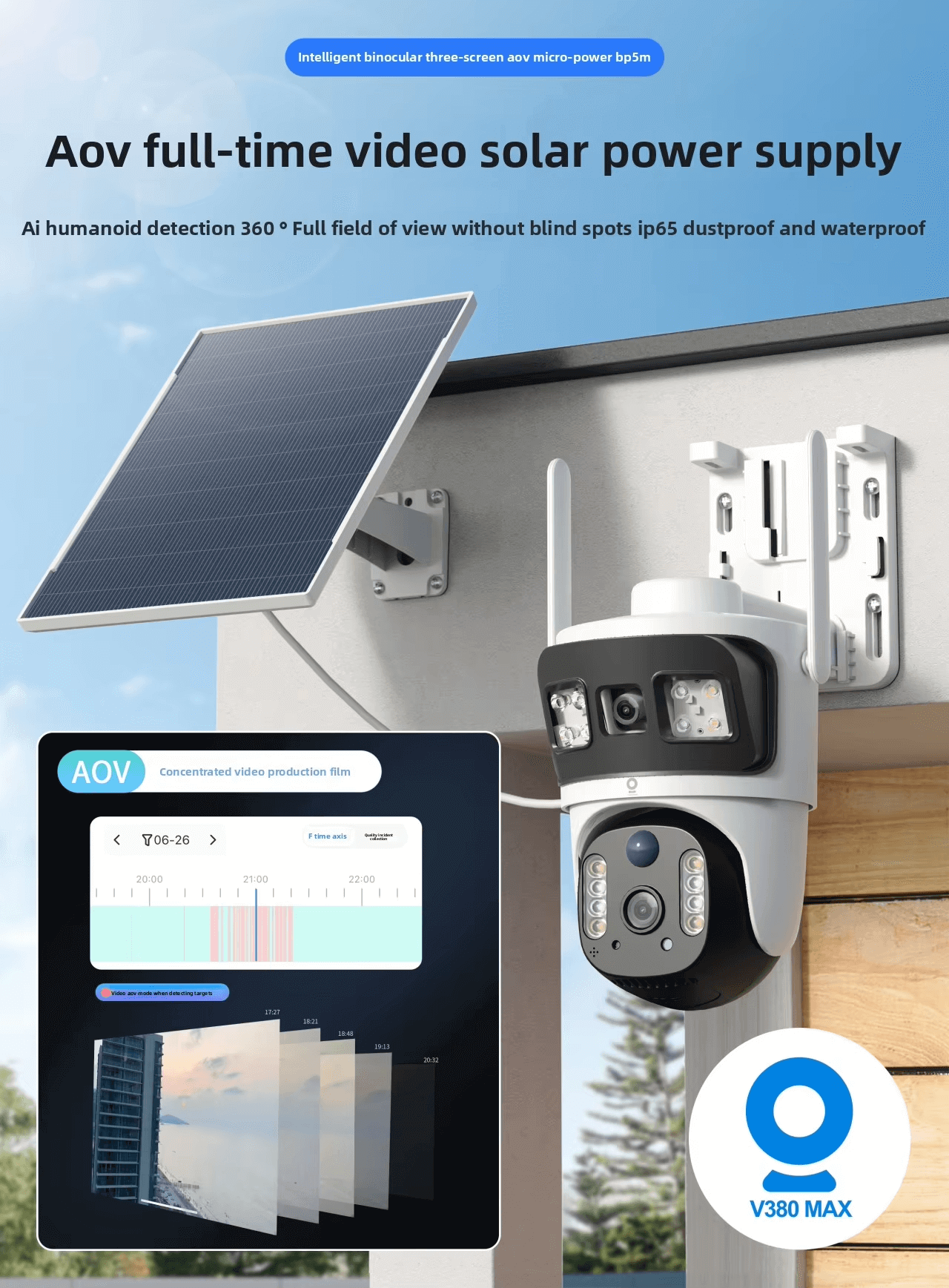
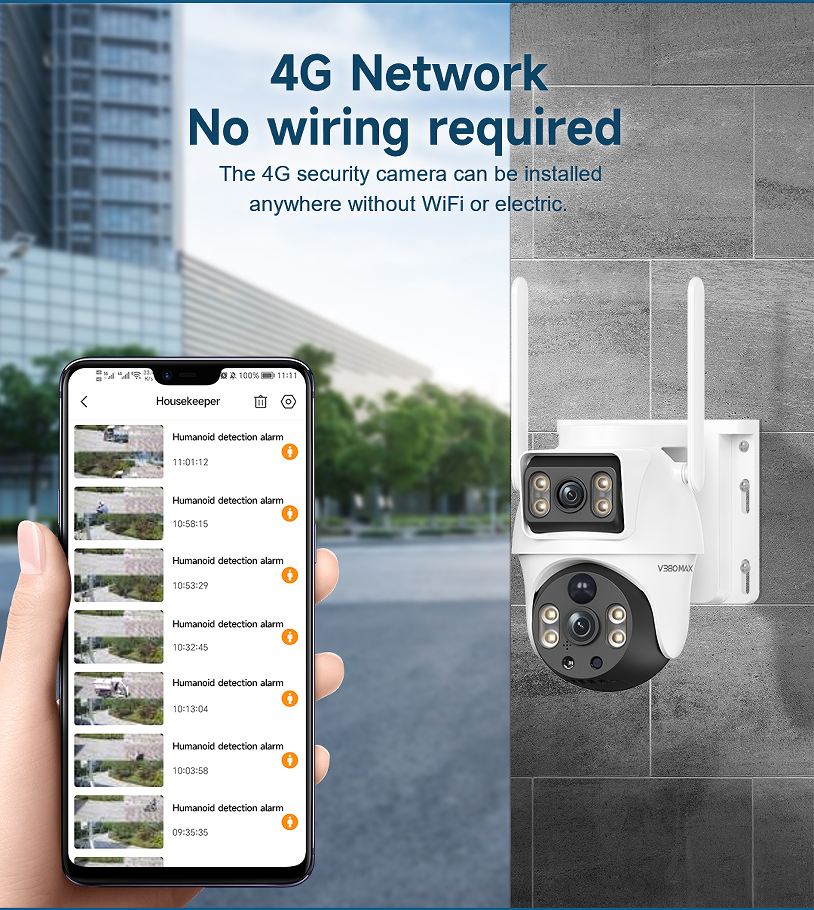
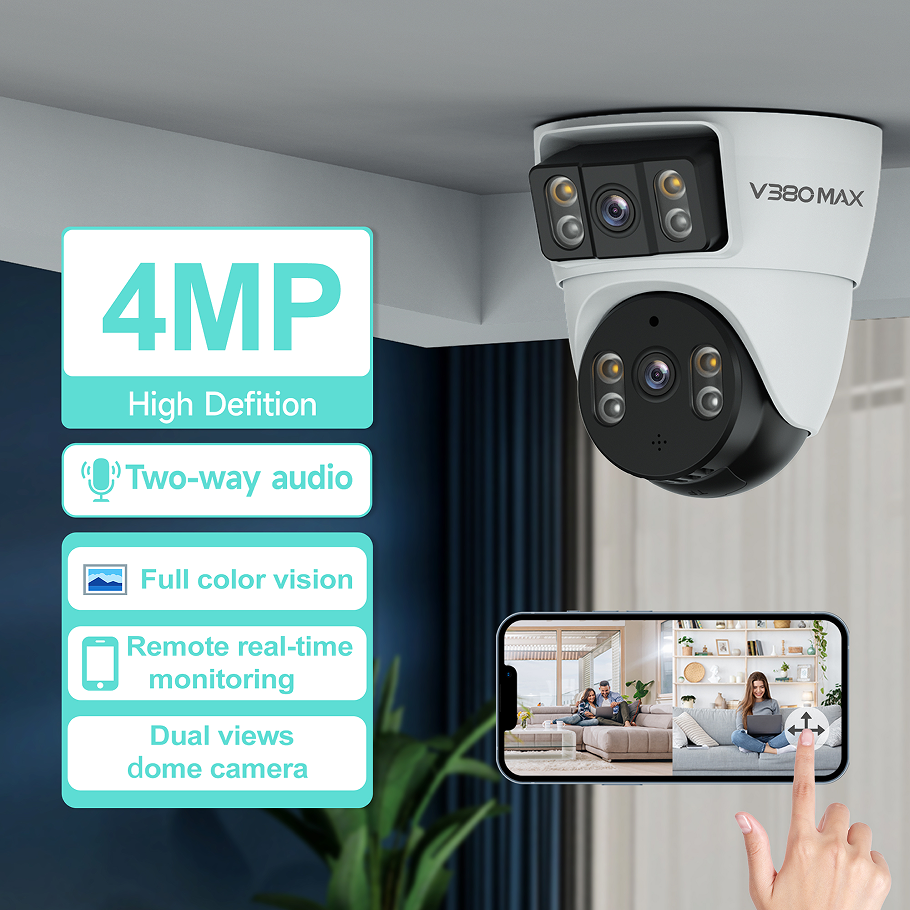
V380 is a dedicated app used for managing and controlling various security cameras, including IP cameras, wireless cameras, and bulb cameras. The app allows users to connect to cameras via WiFi or 4G networks, enabling real-time video viewing, remote control of PTZ functions, motion detection setup, and video playback. It supports multiple camera connections, allowing users to monitor different locations simultaneously. With a user-friendly interface, V380 simplifies the process of setting up and managing security systems, making it accessible for both residential and commercial users. The app also offers features like cloud storage subscription, alarm notifications, and two-way audio communication, enhancing the overall surveillance experience.
Get A Quote


Advantages of the product

Cross-Platform Compatibility

Works seamlessly on iOS, Android, Windows, and macOS devices, ensuring broad accessibility for users across different platforms. It supports simultaneous viewing on multiple devices, making it ideal for families or businesses where multiple users need access to surveillance footage. This compatibility ensures that users can monitor their cameras from their preferred devices at any time.

Flexible Storage Options for Footage

Supports both cloud recording subscriptions and local storage via SD cards or NVR systems, offering flexible footage retention based on user needs. Cloud storage provides remote access to recorded videos from anywhere, while local storage offers higher privacy and control over data. This dual storage solution ensures that users can choose the option that best suits their security and storage requirements.

Related products

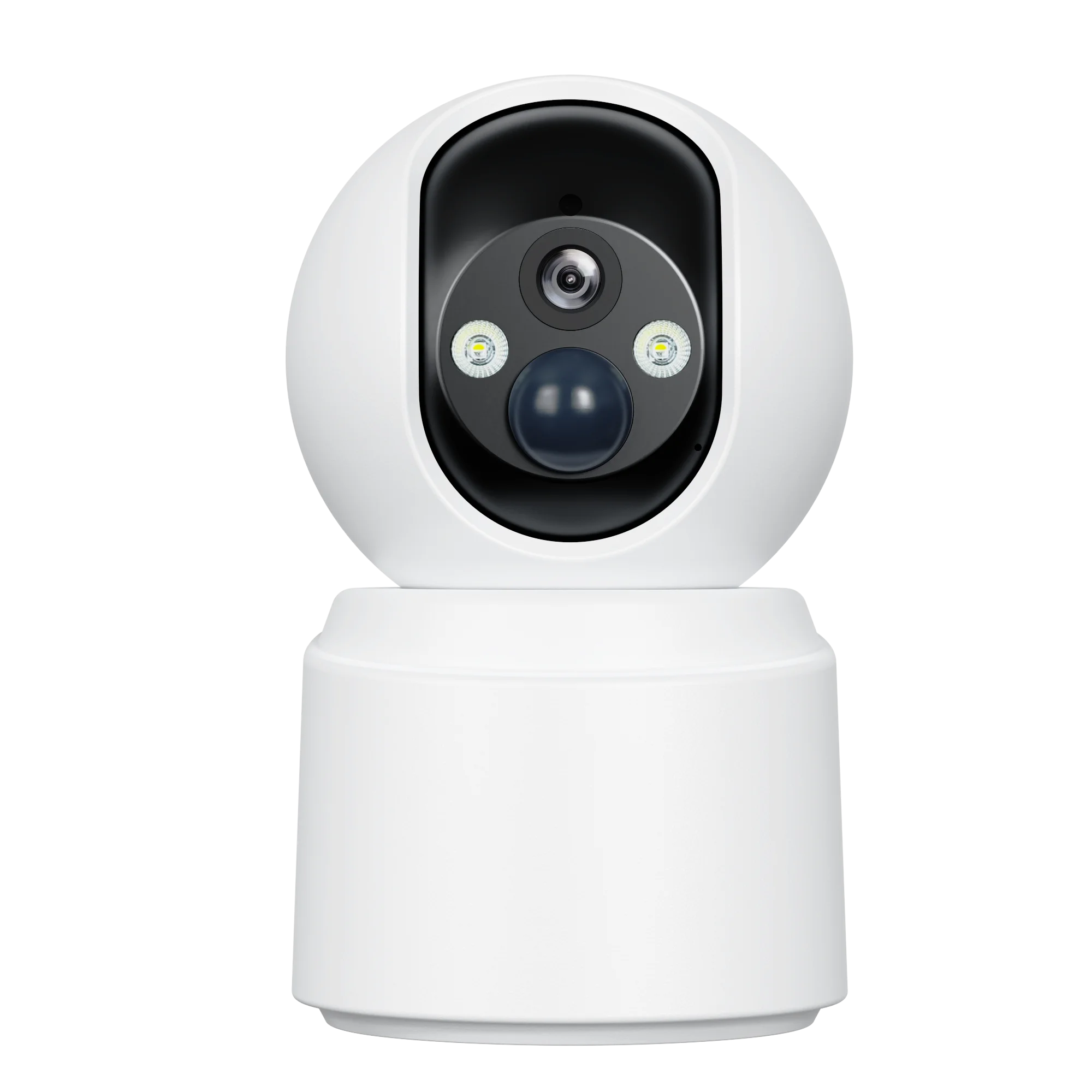
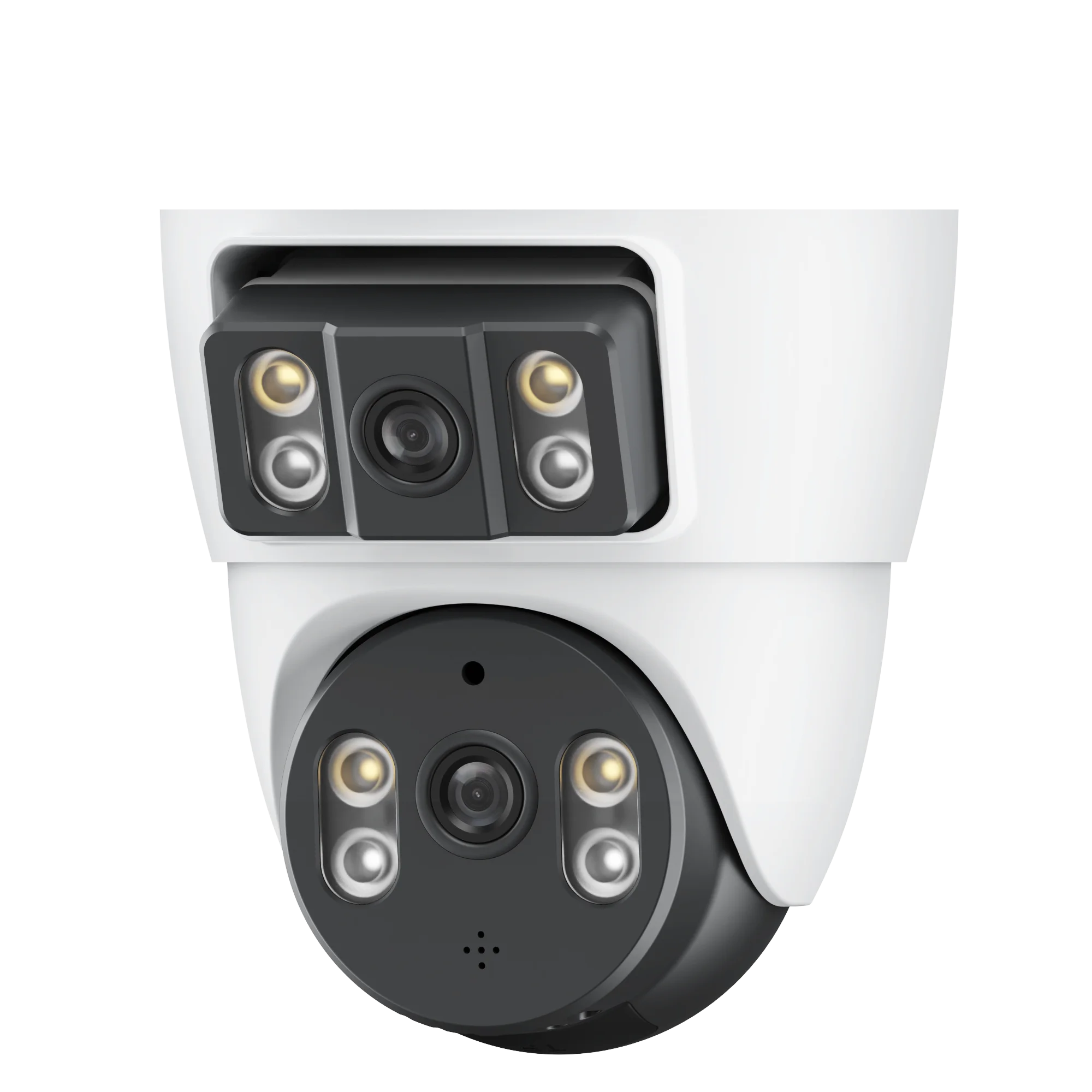
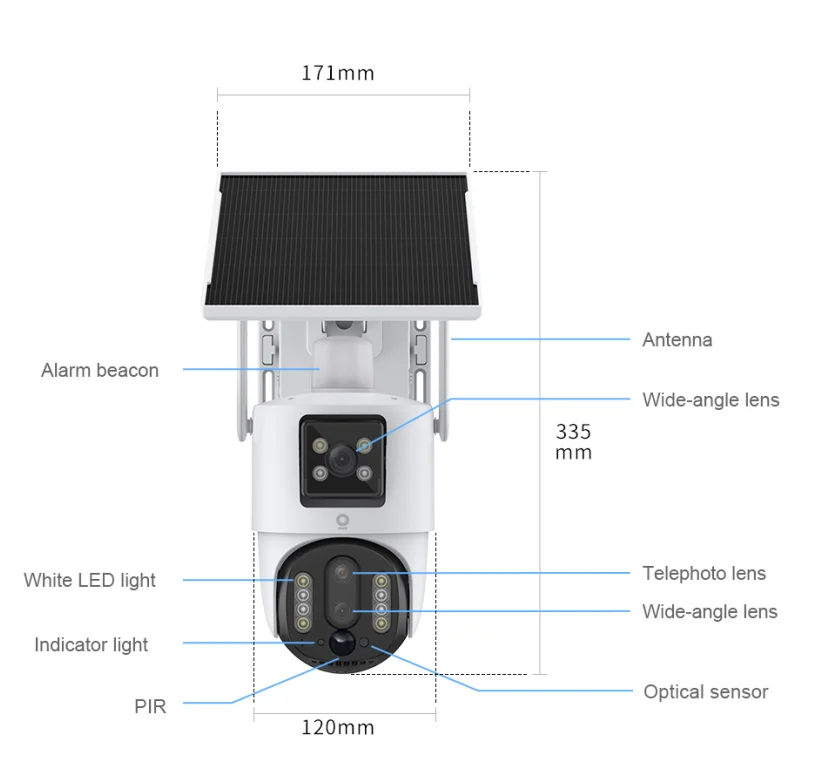
Guangdong Macro-Video Smart Technologies Limited introduces the V380 smart home security camera, an AI-powered solution for modern residential security. This camera integrates intelligent features like facial recognition, behavior analysis, and object detection to automatically identify anomalies and trigger instant alerts. Its machine learning algorithms adapt to recognize familiar faces while flagging unknown individuals, enhancing home protection. The camera supports seamless integration with other smart home devices (e.g., smart locks, lighting systems) for coordinated automation. Users can access real-time video feeds, adjust settings, and review recordings via a dedicated mobile app, enabling remote monitoring from anywhere. With weather-resistant designs for outdoor models and compact profiles for indoor use, it balances functionality with aesthetic appeal. For more information on features, installation guides, or compatibility, contact our sales team.

common problem

What is V380 and what is its function?

V380 is an APP used for remote monitoring, setup, and video playback of cameras. It supports various camera brands, enabling users to manage multiple devices through a single interface.
It offers real-time video viewing, camera settings adjustment, video recording and playback, motion detection alerts, and two-way talk functionality for connected cameras.
It uses account authentication, encrypted data transmission, and device binding to ensure security, protecting user privacy and preventing unauthorized access to camera feeds.

Related article

The Future of Smart Security: Trends in Camera Technology

20

Jun

The Future of Smart Security: Trends in Camera Technology

AI-Driven Analytics Revolutionizing Smart Security Cameras Deep Learning for Object Recognition and Behavioral Patterns Smart security cameras are getting smarter thanks to deep learning technology. These systems use complex algorithms to spot obje...
View More
How 4G Cameras Provide Flexibility for Remote Monitoring

20

Jun

How 4G Cameras Provide Flexibility for Remote Monitoring

What Are 4G Cameras? Core Features and Connectivity 4G vs. Wi-Fi Cameras: Key Differences in Remote Monitoring Wi-Fi cameras versus 4G cameras Wi-Fi and 4G cameras differentiate in how they connect to the network. Stable internet required Wi-Fi...
View More
Smart Home Security: The Role of IP Cameras

20

Jun

Smart Home Security: The Role of IP Cameras

Essential Features of IP Cameras in Home Security High-Resolution Imaging and Night Vision The only way to truly identify faces and other important details from a residential security camera system is high resolution. Minimum requirement for re...
View More
The Importance of Baby Monitors in Ensuring Child Safety

20

Jun

The Importance of Baby Monitors in Ensuring Child Safety

Understanding Modern Baby Monitor Technology Audio vs. Video Monitoring Systems Picking out a baby monitor means knowing what separates audio from video options. Audio models let parents listen to their little ones but don't show anything visually....
View More

User evaluation of the product

David Wang

Relies on V380 for business travel monitoring: quick camera connection, smooth live video, instant motion alerts with thumbnails, easy footage review—reliable remote management.

Jennifer Zhang

Central to home security, V380 supports multiple camera types, custom schedules, seamless two-way talk, family access sharing. Security features (password/encryption) ensure peace of mind.

Get a Free Quote

Our representative will contact you soon.
Email
Name
Company Name
Message
0/1000
Two-Way Audio & Remote Camera Control

Two-Way Audio & Remote Camera Control

Facilitates real-time voice communication between users and camera-connected devices, allowing them to deter intruders, communicate with family members, or soothe pets remotely. For PTZ cameras, the app supports remote pan-tilt-zoom control, enabling users to adjust the camera’s viewing angle and focus on specific areas of interest in real time, enhancing the effectiveness of their surveillance efforts.