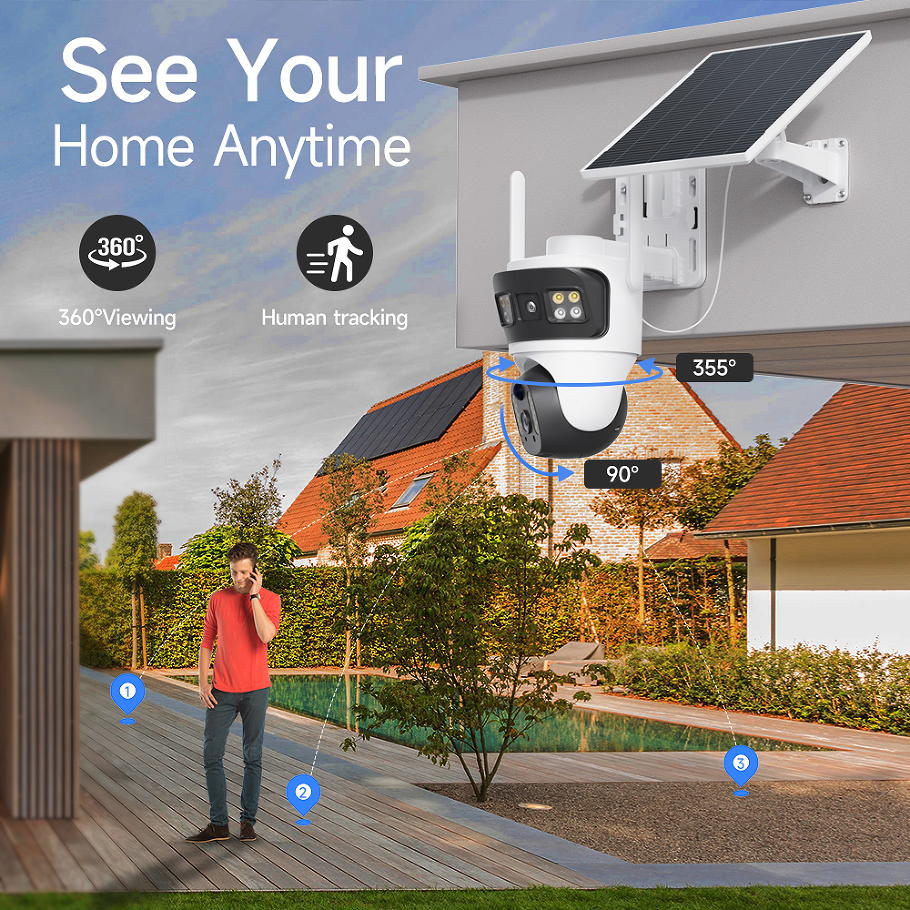
Network Camera (IP Camera) - Digital Surveillance for Modern Security Systems
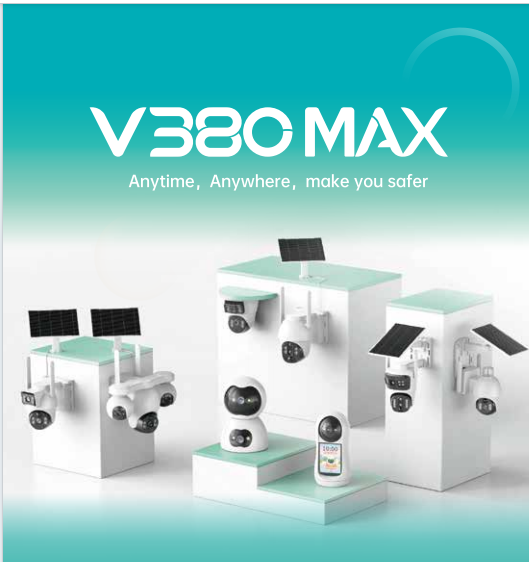
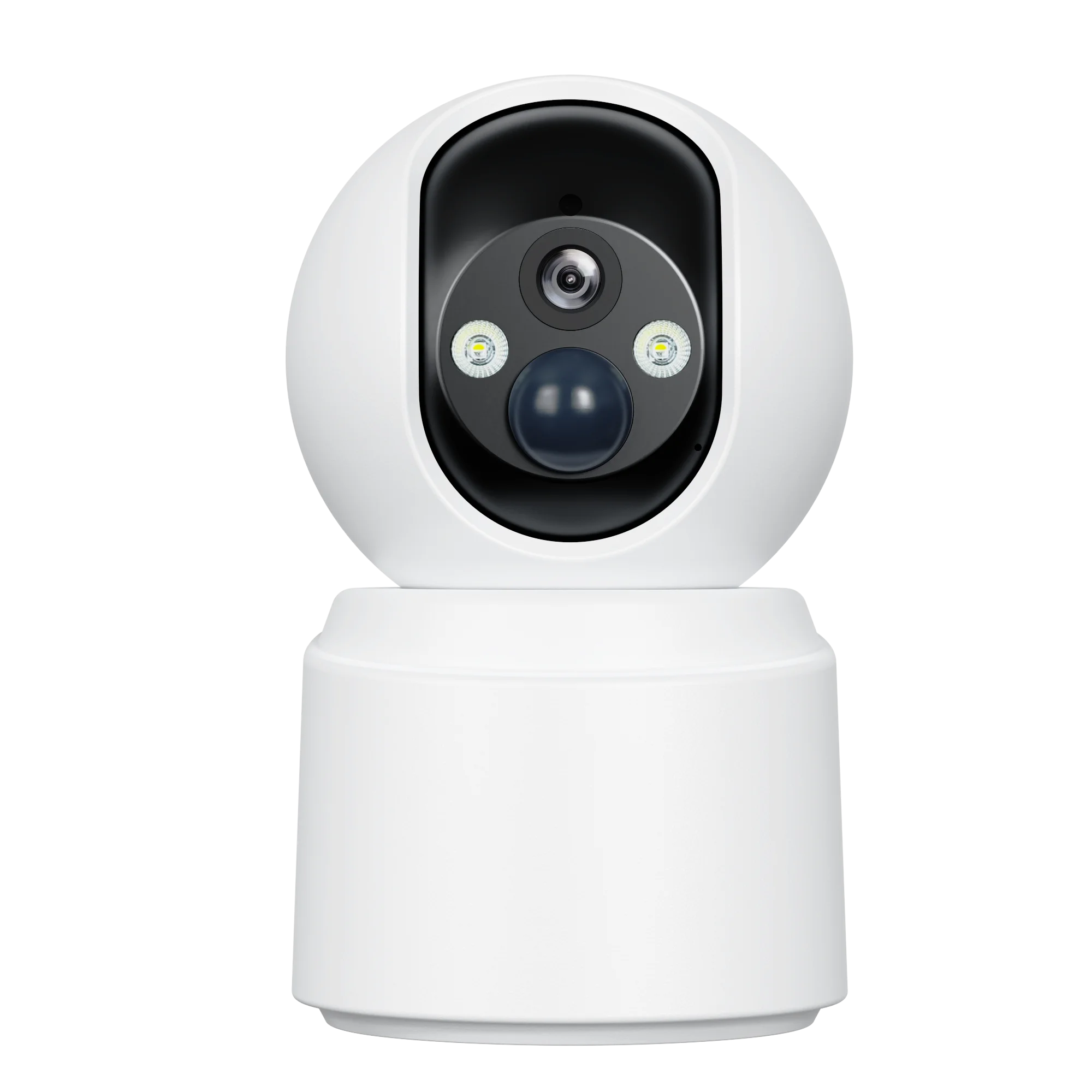
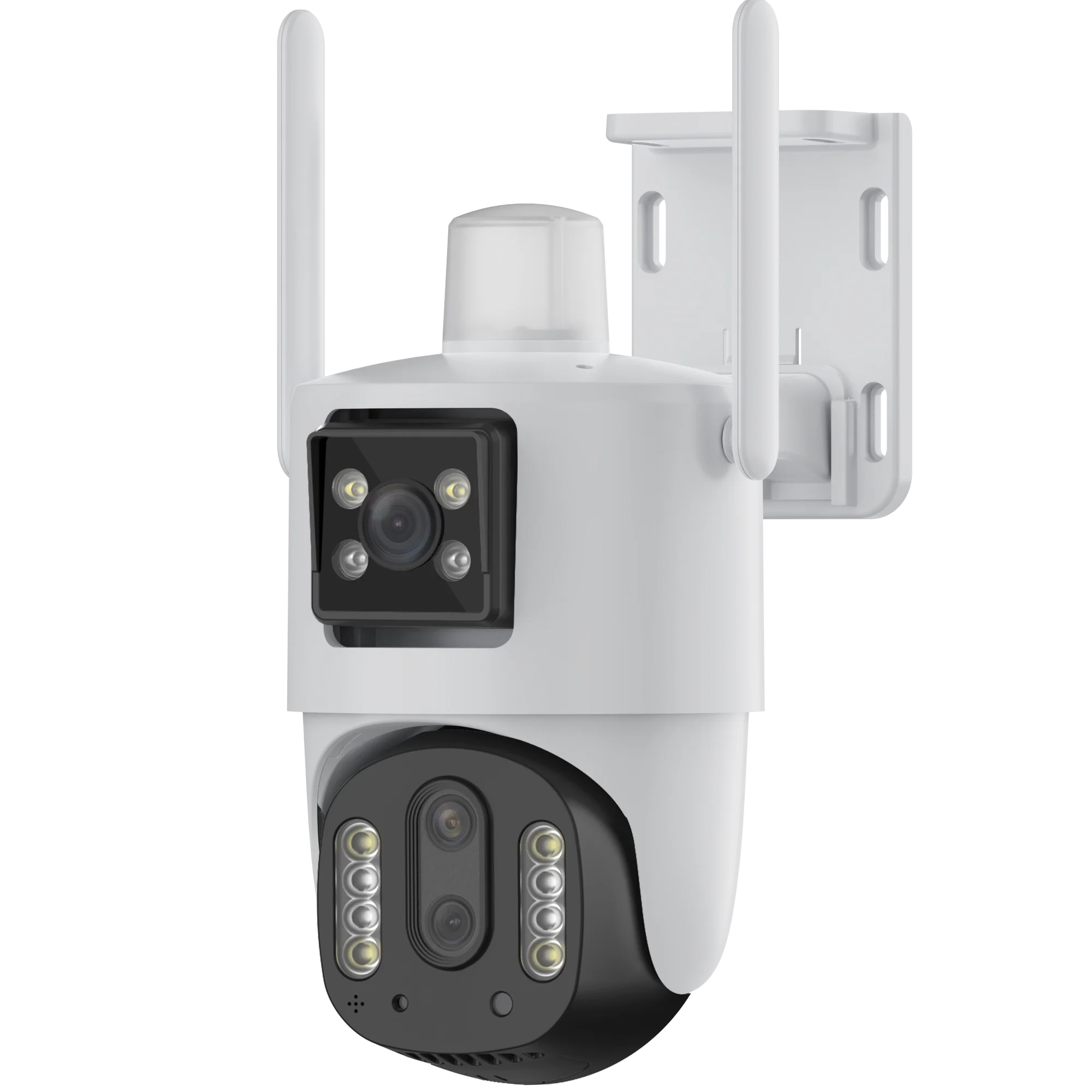
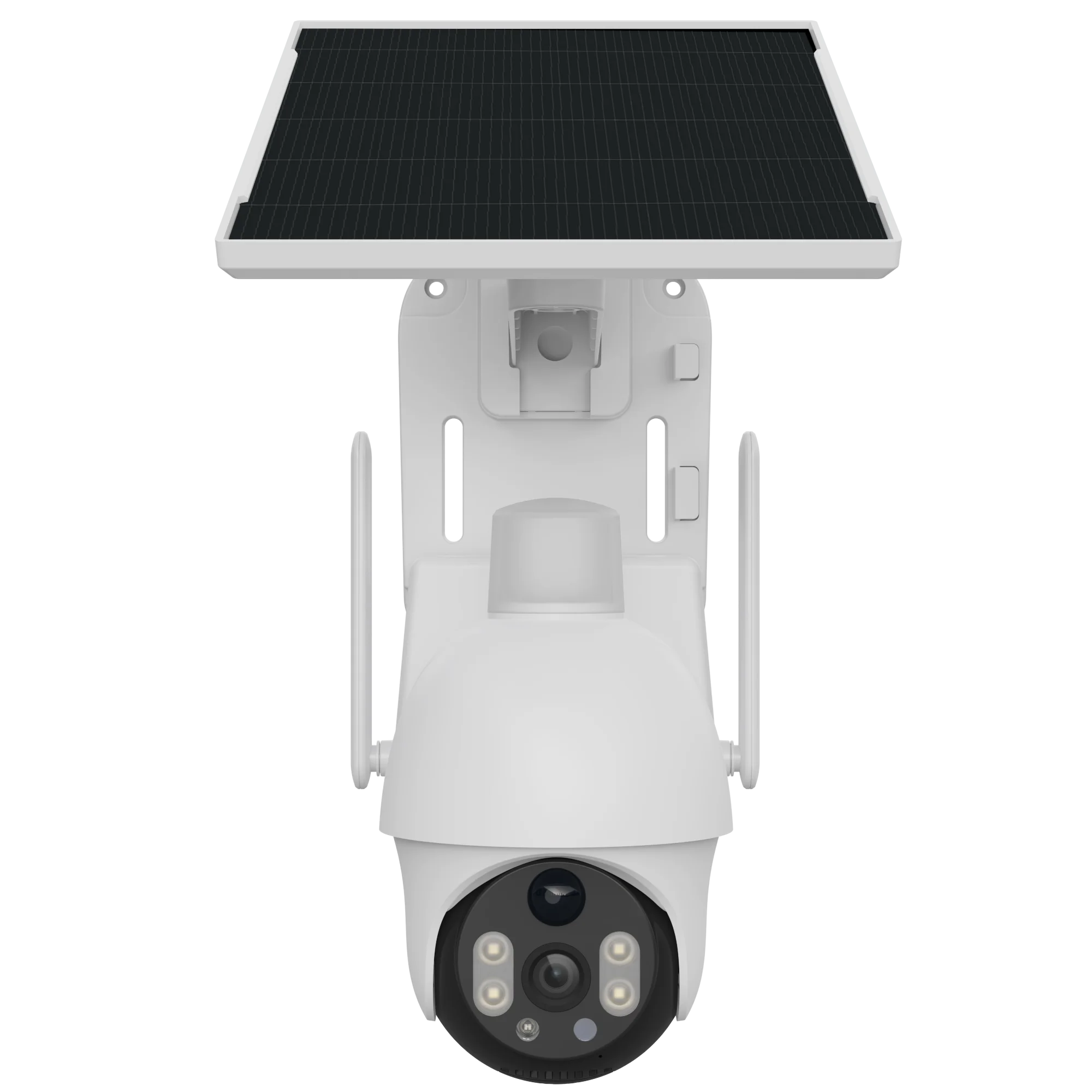
Network cameras, also known as IP (internet protocol) cameras, transmit video data over local area networks (LAN) or the internet, enabling remote access and control via computers or mobile devices. They support various network protocols and can integrate with NVR (network video recorder) systems for centralized video storage and management. The company’s IP cameras offer high-definition video quality, advanced features like motion detection, audio input/output, and sometimes AI-driven functionalities. Suitable for both residential and commercial use, these cameras are a key component of modern digital surveillance systems, providing flexible, scalable, and remote monitoring capabilities.
Get A Quote

 EN
EN