
 EN
EN
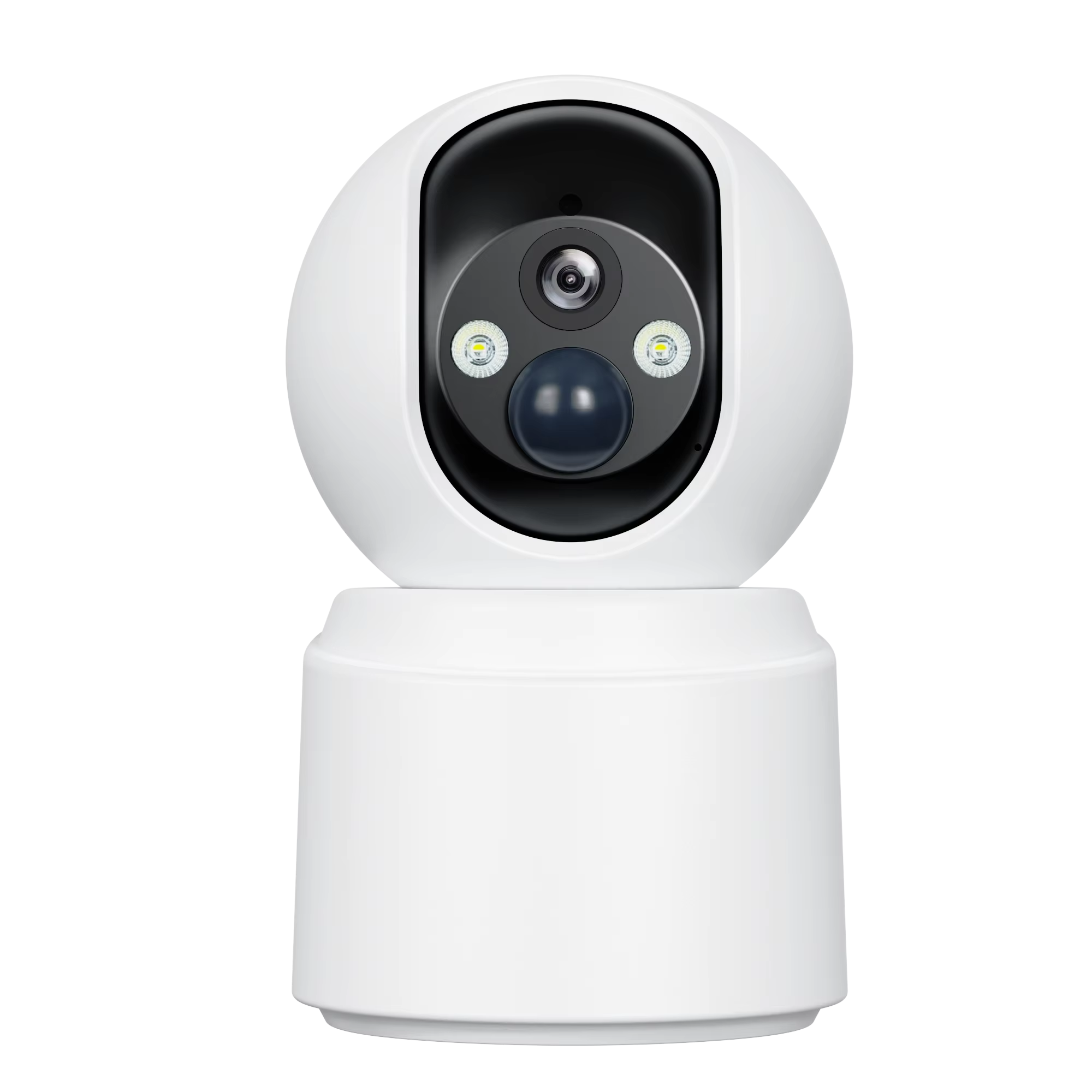
Evaluate WiFi Camera Compatibility with Your Business Network
Assess Bandwidth, VLAN Support, and QoS Requirements for Reliable WiFi Camera Performance
When setting up security cameras, it's important to figure out how much bandwidth each device will consume, particularly when running at 4K resolution. Most WiFi cameras need around 4 to 6 Mbps for smooth operation, but things get complicated fast in larger installations where dozens or even hundreds of cameras might be connected simultaneously. To keep everything running smoothly without slowing down other network activities, many IT departments create separate virtual networks specifically for camera traffic. These VLANs act as digital fences that stop unwanted network traffic from overwhelming critical business operations. At the same time, configuring Quality of Service settings on routers helps make sure video feeds stay prioritized above things like email or web browsing when multiple users are accessing the network. Companies that skip these steps often end up dealing with frustrating issues like delayed footage, missing frames, or complete playback failures when trying to review incidents later on, which can cost both time and money in investigations.
Verify Protocol Compatibility: RTSP, ONVIF, and Proprietary Integration with NVR/VMS Platforms
When looking at camera systems, go for models that work with open standards such as RTSP (Real Time Streaming Protocol) and ONVIF (Open Network Video Interface Forum). These standards help ensure the cameras will play nicely with most NVRs and VMS platforms out there. For basic video streaming, check if the camera meets ONVIF Profile S requirements. If advanced features are needed, Profile G supports those metadata-based analytics tools many modern systems rely on. Don't forget to actually test the RTSP functionality before finalizing purchases. Try running test feeds through something simple like VLC media player during setup phases to catch any unexpected issues early on. Proprietary APIs might still be required for older equipment or specific manufacturer hardware, but whenever possible, steer clear of getting locked into one vendor's ecosystem when standard options are available. According to industry reports, companies using standardized protocols spend about 65% less time dealing with compatibility problems, which means faster deployments and easier expansion down the road.
Prepare the Business Network for Secure and Stable WiFi Camera Deployment
Conduct a Wireless Site Survey and Optimize AP Placement, Channel, and 5 GHz Band Usage
Setting up WiFi cameras isn't just about getting a strong signal. What really matters is having reliable connections with minimal lag time. Start by doing a proper wireless site survey with heat maps to spot those dead spots where signals drop out. Look for things that cause interference too microwave ovens, Bluetooth gadgets, anything that might disrupt the signal in important monitoring areas. When placing access points, make sure there's good overlap on the 5 GHz band. This frequency tends to be much less crowded than 2.4 GHz and can handle speeds around 1.3 Gbps according to last year's networking report from Tech Insights. Pick channels like 36, 40, or 44 that don't overlap with each other and turn on band steering so cameras automatically connect to the best available frequency. Don't reuse the same channels between neighboring access points either since this causes problems with interference and data packets getting lost along the way.
Implement Segmented SSIDs, WPA3 Encryption, and Dedicated Camera VLANs
To keep things running smoothly, it makes sense to separate surveillance traffic through dedicated SSIDs and VLANs. When we isolate these streams, cameras don't end up fighting with guest networks, staff devices, or other operations for limited bandwidth and processing power. For security, implementing WPA3-Enterprise with those strong 192-bit protections really pays off. A recent Ponemon Institute report found companies saved around $740,000 on breach costs compared to older encryption methods. The firewalls need proper configuration too. Set them up so cameras can only talk to the NVR or VMS system. No outbound connections allowed, definitely block any attempts at moving laterally between network segments. This kind of containment fits right into Zero Trust principles. Imagine what happens if a camera gets hacked? With good segmentation in place, bad actors find themselves stuck outside our critical systems like finance servers, HR data stores, and main infrastructure components.
Install and Configure WiFi Cameras for Seamless Business Network Integration
Pre-Mount Setup: Firmware Updates, AP Mode Pairing, and DHCP Reservation for Persistent IP Assignment
Get everything set up properly before actually mounting those cameras if we want to save time later on and prevent unnecessary headaches. Start with updating the firmware first. This fixes any security holes and makes sure everything works well with current standards like WPA3 and TLS 1.3. When connecting each camera through AP mode on the mobile app, stay close to the access point - about 15 feet max - because distance really affects how successful the connection will be. Don't fight with static IP settings on the device itself. Instead, go through the router's DHCP reservation feature. Trust me, this saves so much trouble down the road when things start acting up. According to Security TechWatch from last year, cameras without reserved IPs face around 30% more problems staying connected throughout the year, which usually means someone has to physically check them out again. Always test each device while still accessible. Check if it pairs correctly, measure signal strength, and watch a short video stream before putting everything in place permanently.
Integrate WiFi Cameras into Centralized Management Systems
NVR Discovery, Authentication, and Stream Mapping for WiFi Cameras
Modern NVRs simplify large-scale WiFi camera onboarding through automated discovery—leveraging ONVIF, mDNS, or vendor-specific APIs to locate devices on the network. The integration workflow follows three key phases:
- Discovery: The NVR scans the subnet or uses multicast to detect compatible cameras; pre-segmented VLANs ensure only authorized devices appear.
- Authentication: Cameras authenticate using encrypted credentials—X.509 certificates or strong password hashing—to prevent spoofing or unauthorized enrollment.
- Stream Mapping: Administrators assign primary (high-res) and substreams (low-bandwidth) to specific recording channels, balancing quality, bandwidth, and storage retention.
Centralized dashboards support bulk configuration of motion detection zones, recording schedules, and retention policies—eliminating error-prone per-device setups. All communications use TLS 1.3 encryption, and VLAN segmentation enforces strict network boundaries, aligning with Zero Trust principles and minimizing lateral attack surfaces.
FAQ Section
What bandwidth is required for WiFi cameras?
Most WiFi cameras require around 4 to 6 Mbps for smooth operation, especially at 4K resolution.
Why is VLAN and QoS important for WiFi cameras?
VLANs separate camera traffic from other network activities, preventing slowdown, while QoS ensures video feeds are prioritized over less critical activities.
What are RTSP and ONVIF?
RTSP is Real Time Streaming Protocol, and ONVIF is Open Network Video Interface Forum, both open standards that facilitate compatibility with NVRs and VMS platforms.
How do you secure WiFi cameras?
Implementing WPA3 encryption, segmented SSIDs, and dedicated camera VLANs helps ensure secure connections and prevent unauthorized access.